


Creative coding, MCP-native

An MCP-native creative coding app.

Vivid is a macOS app where a DAW-style Session View and a rewireable visual node graph live in one project — and everything is controllable over MCP, so you (and AI agents) can author, inspect and verify whole pieces in code, not just nudge knobs. Sound drives picture, picture drives sound, and the whole thing is yours to fork.

A signed macOS build, published via GitHub Releases.

What it is

Your first project
Type 1 · Session View + visual graph + mappings

Your first project

The beginner project: a Surge XT track, a project-local shader, and four audio-to-visual mappings, saved as a portable project.

View the builder →
Pulse
Type 2 · Session View scenes + reactive geometry

Pulse

A techno scene driving a hard-geometric graph — a hex ShapeGrid and a solid Mesh octahedron that punch on the kick.

View the builder →
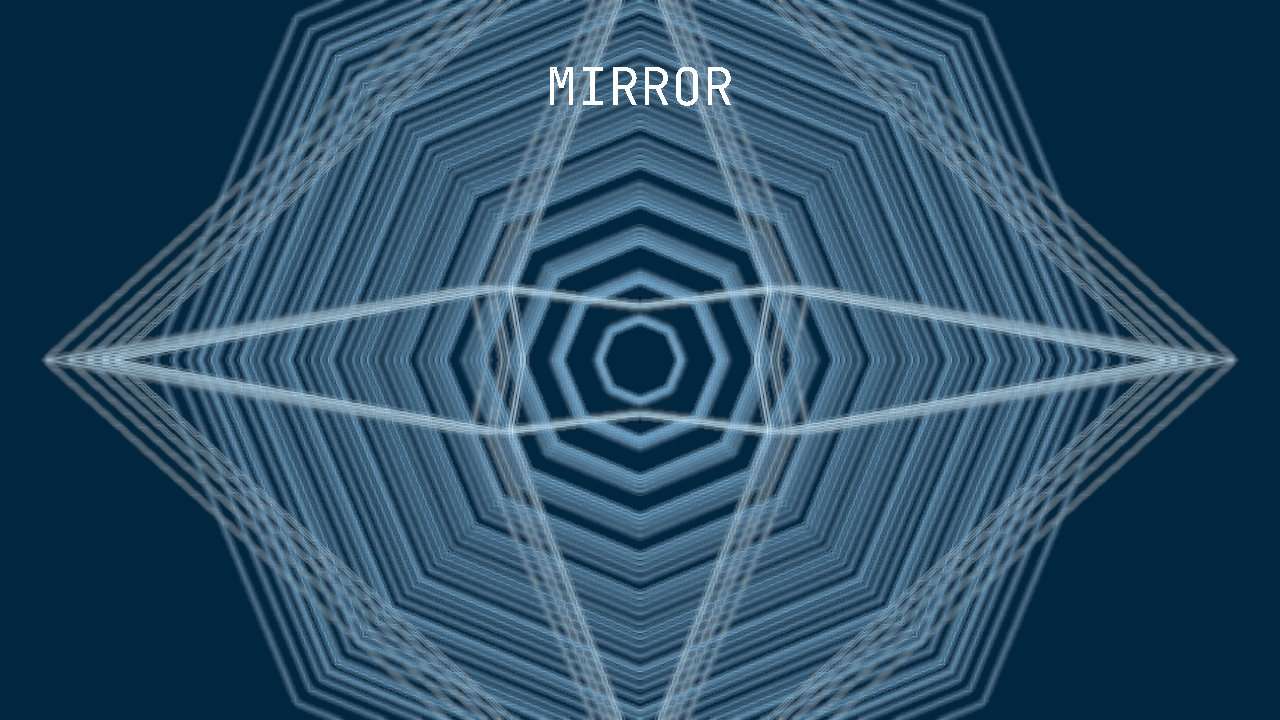
Mirror
Type 3 · The bidirectional bridge

Mirror

The bridge runs both ways: the music drives the picture, and the picture's feedback and blur drive a filter on the sound back.

View the builder →
Live shader edit
Type 4 · Creative-coding a project-local shader

Live shader edit

A woven interference field authored as a project-local WGSL shader — edited, broken and recovered live over MCP.

View the builder →
Neon
Type 5 · The curated free-plugin path

Neon

A synthwave track built entirely on free plugins (Surge XT + Cassette Drums) with a Tron-glow vector visual.

View the builder →

Start with a tutorial

All tutorials →
First MCP-native project
Start Here · Beginner

First MCP-native project

A Surge XT track, a project-local shader, and audio mapped to visuals — saved as one portable, reloadable project.

Needs: Surge XT

Open the tutorial →
Live shader edit
Creative coding · Beginner

Live shader edit

Discover a shader node's backing file, edit the WGSL and reload live, then deliberately break it and recover using Vivid's own diagnostics.

Needs: None

Open the tutorial →
C++
Creative coding · Advanced

Project C++ operator

Scaffold a project-local C++ visual operator, compile it with clang++, and hot-swap it live after an edit.

Needs: Xcode Command Line Tools

Open the tutorial →